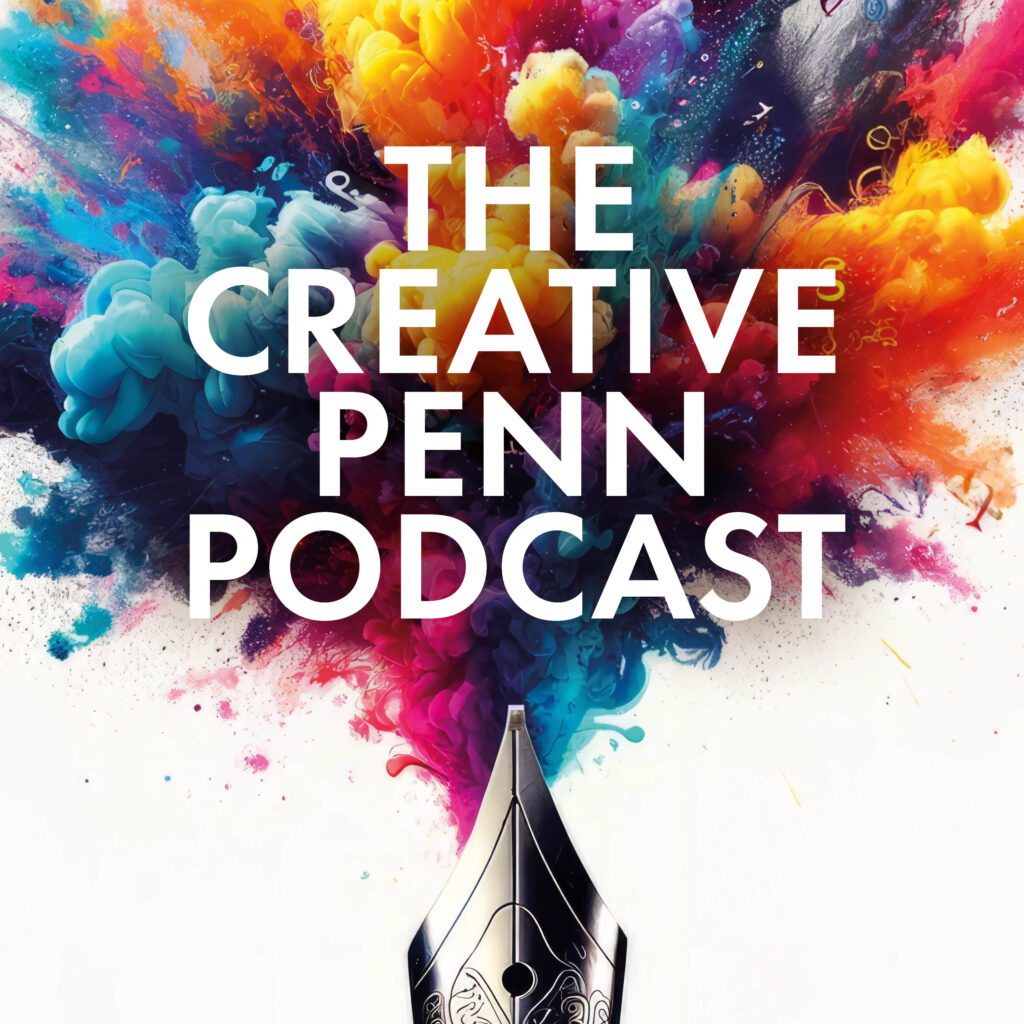
I started The Creative Penn podcast back in early 2009, before the boom times of audio driven by smartphones and voice assistants.
The first interview was not exactly professional! I put my landline on speaker phone and held an mp3 recorder next to it. But hey, at least I started!
Now, over a decade and many hundreds of episodes later, I still podcast every week to a growing audience and The Creative Penn Podcast is an essential part of my community and my business. In 2019, I started a new show, Books and Travel, which focuses on the twin passions that drive my life!
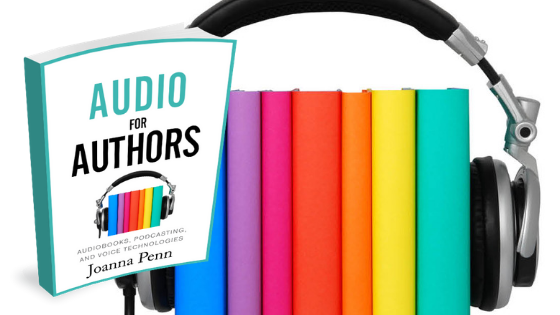
In this article, I’ll go through why podcasting is so great for authors and how I plan, record, edit and distribute my podcast. This is just an overview and if you want all the details, check out my book, Audio for Authors: Audiobooks, Podcasting, and Voice Technologies.
[If you’d like to know how the podcast has evolved, check out my extensive solo show with notes on 10 years of The Creative Penn Podcast here.]
What is a podcast?
Just in case you’re confused …
A podcast is audio that is streamed and distributed over the internet and these days, people often listen on smartphones, smart speakers and other devices. Podcasts can be talk shows, interviews, lectures, stories, or indeed, anything else you fancy producing in audio. This article will be focused more on the interview format as that’s what I do on my show, but the possibilities for audio podcast creation are ever expanding.
The advantage of podcasts is that listeners can download the audio whenever they want, instead of radio which is played at a specific time of day. People can discover audio at any time and if they connect with the host, they are likely to download backlist episodes which makes it evergreen content.
As a listener, you can subscribe to a show and then episodes will download automatically to your device. There are many podcast apps now with Apple Podcasts, Spotify, Google Podcasts, and Stitcher being some of the most common, but there are lots of different ways to listen. I personally love podcasts and listen to a number every week while walking, doing chores or going to the gym. I read books, skim blog posts and social media for information, but I deep dive on podcasting!
Why podcast anyway?
Podcasting is a brilliant way to reach people with information, inspiration or entertainment, which pretty much covers all the types of books we write!
Your voice imparts your personality and listeners can get to know you in a more personal way. People need to know, like and trust you in order to buy your books, and listening to your voice every week develops a relationship that is hard to make through text on a page/screen.
It can be a way to stand out as few authors produce a regular podcast, and you can build relationships with influencers in your genre/niche through interviews that promote them through audio.
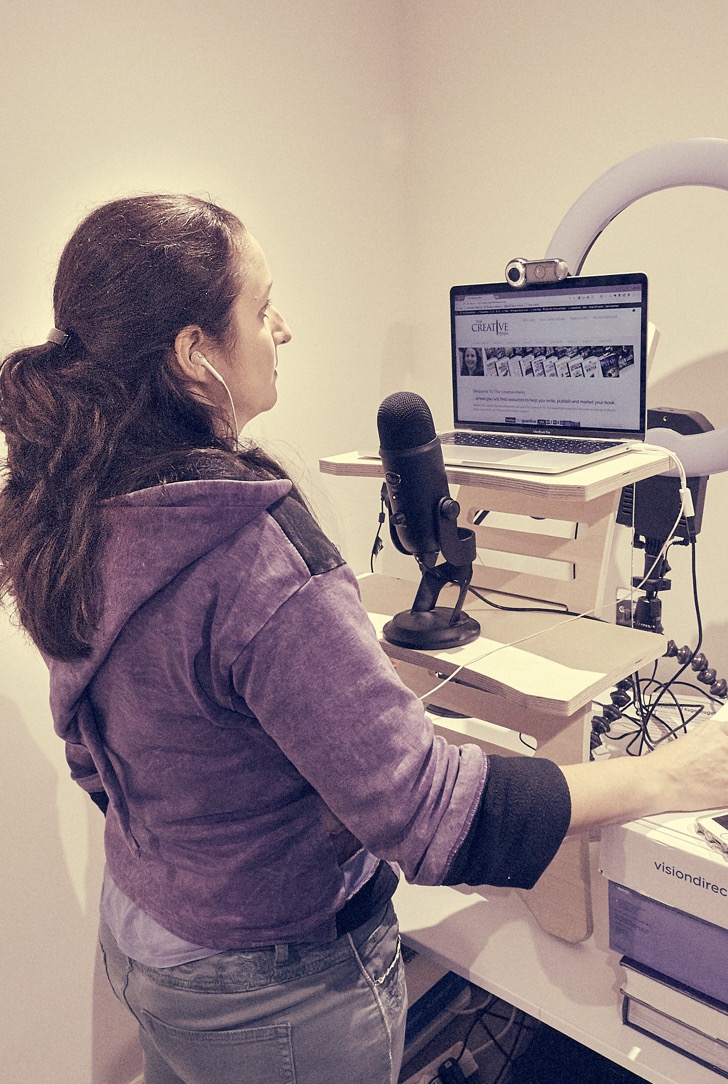
The Creative Penn podcast now has over 800 episodes. That’s many weeks of free audio on writing, publishing, book marketing and making money with your writing based on interviews with experts. I can truly say that podcasting has been one of the most rewarding things I’ve ever done.
It’s connected me with people from all over the world, both in the audience and as interviewees. It’s given me a platform to share the indie movement, help others and also sell my books, products and speaking. It also gives me a (small but growing) direct income stream through sponsorship and Patreon.
If you want to create a podcast, there are heaps of different ways to do it. Here is my process.
I cover podcasting in detail in my book Audio For Authors, alongside audiobooks and voice technologies. If you prefer to listen, the audiobook edition is narrated by me.
Step 1: Plan the podcast
I plan my interviews months in advance by contacting people with interesting books/perspectives and proposing an interview. I usually create a relationship on Twitter first and read their books or blog for a while, or I might find an interesting interview with them on another site and contact them directly.
After arranging a time and date to call (across multiple time-zones) using Calendly, I email a week prior to the interview with a draft intro and questions based around the topic of the interview. I may veer off into other topics when we talk, but it allows them time to prepare and gives me focus in case I get nervous (which I still do even after all these years!).
Demonstrating professionalism through preparation is important to me, and I get antsy if people want to interview me and don’t provide a similar level of detail!
Even if you don’t want to create your own podcast, you might want to be interviewed on other people’s shows. Podcasts do sell books so here are some tips on how to be a great podcast guest.
Podcasting is an indirect form of marketing, it is more about awareness and content marketing. I make sure my podcast is always focused on giving listeners actionable tips and information.
However, I realize that people want to promote something at the same time, so I always ask the interviewee for their website address and to share more about their books or products. It’s got to provide value to everyone involved.
Step 2: Record interview and create the raw audio
I primarily use interviews for my podcast and use Zoom for recording. Most people are now comfortable with this kind of setup due to the expansion of online meetings during the pandemic.
I used to do video interviews but in 2019, I moved to audio-only podcasts, but still distribute them on YouTube as an audio file with a still image. There are a surprising number of audio-only listeners on YouTube so don’t ignore it as a market.
You can also record your own audio straight into the software mentioned in editing below. I use a Blue Yeti microphone with my MacBook Pro and the earbuds that come with my iPhone. It’s important to use a headset if you can, and get the other person to as well, as this will stop any echoes in the room that you might hear on the recording otherwise.
Podcasts also have an intro and outro with some music and an introduction, with the name of the podcast or the host saying hi. You must use royalty-free or creative commons licensed music, or your own if you’re that creative!
To make your intro and outro, record audio directly, overlay the music and save these mini-files to add into each podcast at the beginning and end.
Step 3: Edit audio
Even with the advent of high-quality podcasts like Serial, most listeners will forgive a certain amount of amateur production.
After all, podcasts are free and you don’t need effects and fancy stuff unless you want to get that technical. You can just record with a good microphone and then edit the bad bits out.
I leave umms, ahs, and little mistakes in as this humanizes people but I remove what I don’t want you to hear or if there are any technical problems (like lawnmowing noise!)
I now use Descript.com for editing the audio through text. It makes it really easy.
I export the MP3 and add it to my intro and outro files using Amadeus Pro on Mac, but you can also use Audacity on PC.
Both of these are easy enough to use. You just need to highlight and cut segments, drag and drop files. Then save as .aiff (for higher quality) or .mp3.
I save the finished MP3 out of Amadeus Pro and then use Auphonic.com to level the sound and produce the metadata, which is basically the description and keywords associated with the episode. It exports a completed .mp3 file.
Step 4: Distribute podcast
You now have a finished audio file but you need to get it to people’s devices. If you just load the audio to your site, people will have to download it manually and transfer it to their device. Whereas if you use a podcast feed, it can be automatically delivered to their mobile device.
I use and recommend Blubrry or Libsyn for podcast distribution.
Both have extensive information on how to submit your feed to Apple Podcasts, Google, Spotify and all the other services.
Step 5: Create show notes and market the episode
For show notes, I get the transcription done through AI-transcription service, Descript.com, and then edit and tidy up with Claude/ChatGPT. My virtual assistant creates the show notes. (I did this myself for years but it’s great to have help with this now and there are services that specialize specifically in doing this for podcasters.)
The transcript and show notes allow people to skim the highlights if they prefer to read information. It also ensures the post is indexed for SEO (search engine optimization) purposes as audio is currently not indexed.
I also create an attractive graphic on Canva which helps make the post more shareable.
I then schedule a number of social media posts on X and Facebook, as well as sharing to Pinterest.
Is it worth it?
Podcasting takes a LOT of time (approximately five hours for every 1-hour show) and not many podcasters make much money from their shows. You do it because you want to learn and help others, and you want to connect with your audience using your voice.
I podcasted for 5 years before I added monetization. Now I have paid advertising, Patreon sponsors, affiliate links, and I also market my own books on the show. But The Creative Penn is in the top 1% of shows in terms of income and it takes time to build that kind of audience. My other show, Books and Travel, isn’t monetized and is more about connection and exploring ideas.
If you’re going to podcast, then commit for at least six months. If you make it that far, you’ll be hooked.
I love my podcast audience and The Creative Penn community is built around it.
There have been times when I’ve considered giving it up because that time could be spent writing, but I always recommit to the show because so many people email me to say it continues to be useful. Plus, I love to connect with people through my interviews, it helps with my marketing, and I now consider my podcast to be part of my creative body of work.
So yes, it’s well worth it for me … but you need to be sure that you can afford the time and effort for the long term.
Interested in writing, publishing, book marketing or creative entrepreneurship? Subscribe to The Creative Penn Podcast!
All the back list episodes are listed here.
Want more help around podcasting?
You can find all the details in my book, Audio for Authors, available on all your favorite platforms.